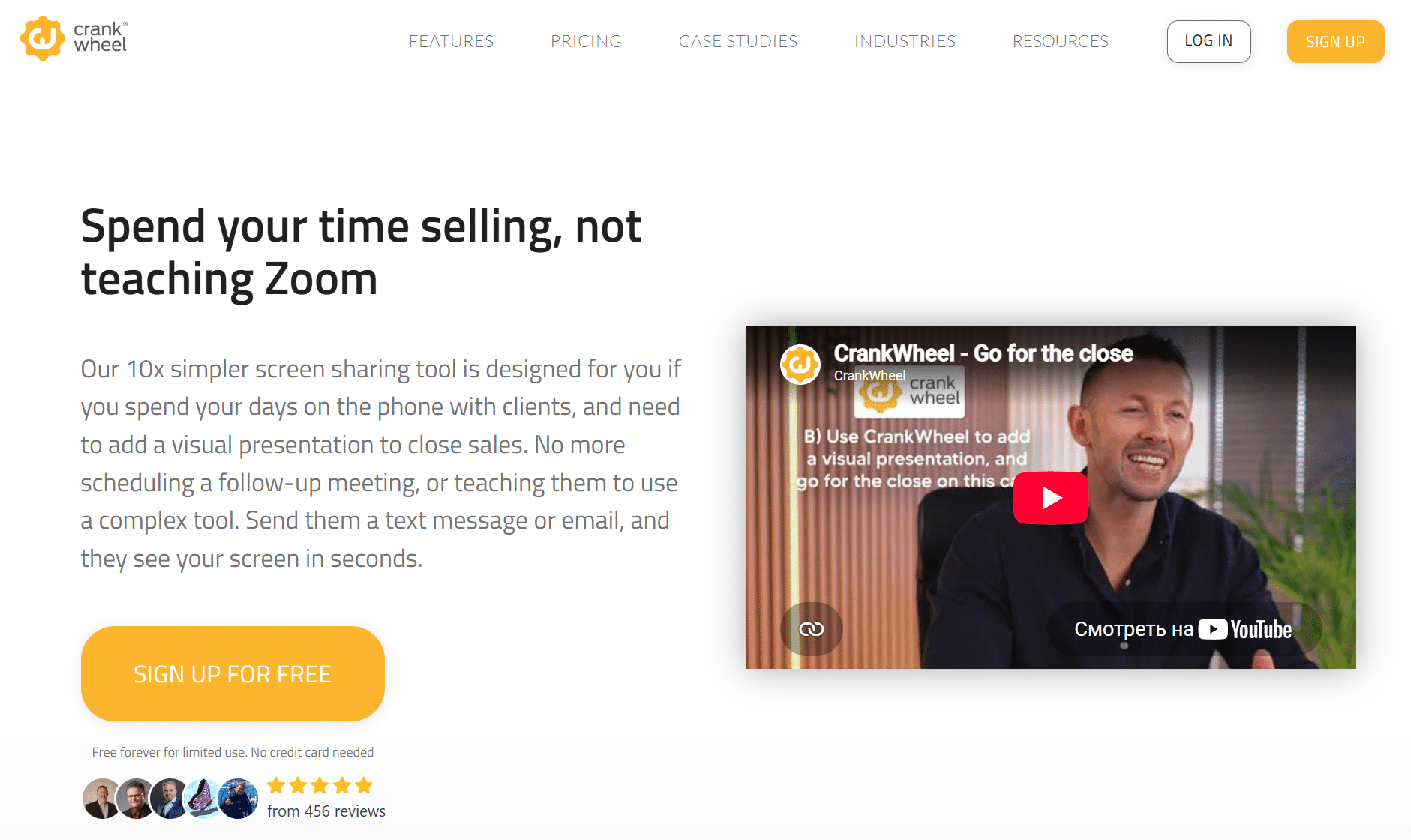
In today’s fast-paced digital world, effective communication and seamless collaboration have become essential for businesses aiming to drive sales and engage clients. CrankWheel is an innovative screen sharing tool designed specifically to empower sales professionals, marketers, and customer support teams to deliver instant, hassle-free demos and presentations. Whether you’re conducting remote sales meetings, providing real-time product walkthroughs, or collaborating with colleagues, CrankWheel offers a simple yet powerful solution that enhances productivity and boosts conversions.
What is CrankWheel?
CrankWheel is a browser-based screen sharing platform that enables users to instantly share their screen with prospects or clients without requiring any downloads or complicated setup. Unlike traditional screen sharing tools that often require participants to install software or create accounts, CrankWheel’s unique technology allows presenters to send a simple link, which the recipient can open on any device to view the shared content in real-time. This ease of access makes it an ideal tool for sales teams looking to reduce friction and speed up the demo process.
With a focus on sales enablement, CrankWheel integrates with popular CRM and marketing platforms to streamline follow-ups and track engagement. Its user-friendly interface and lightweight design ensure that even users with limited technical skills can leverage its capabilities effectively.
Key Features
- Instant Screen Sharing via Link
Share your screen with a single click by sending a link to your prospect. No downloads, no installations, no sign-ups required on the viewer’s side. - Mobile-Friendly Viewing
Recipients can view the screen share on any device — desktop, tablet, or smartphone — making remote demos accessible anytime, anywhere. - Chrome Extension for Presenters
The CrankWheel Chrome extension enables quick screen sharing directly from your browser with minimal setup. - CRM Integrations
Connect CrankWheel with Salesforce, HubSpot, and other CRM tools to automatically log demo activity and gather valuable insights. - Lead Capture Forms
Embed lead capture forms within your screen sharing sessions to collect prospect information effortlessly during demos. - Analytics and Reporting
Monitor engagement metrics such as viewing time, interaction rates, and follow-up opportunities to optimize your sales approach. - Custom Branding
Personalize your screen sharing sessions with your company logo and colors to maintain brand consistency. - Secure and GDPR-Compliant
CrankWheel prioritizes data security and privacy, ensuring all shared content is protected and compliant with global regulations.
Pros
- No installation required for viewers, reducing barriers to engagement
- Instant sharing via link streamlines demo scheduling and execution
- Mobile compatibility broadens accessibility for clients on the go
- Integration with major CRMs enhances workflow efficiency
- Simple, intuitive interface suitable for users of all technical levels
- Custom branding strengthens company identity during presentations
- Robust analytics provide actionable sales insights
Cons
- Presenter needs to use the Chrome browser, which may limit flexibility for some users
- Limited advanced collaboration features compared to some video conferencing tools
- Pricing plans may be a barrier for very small businesses or individual users on a tight budget
Alternatives and Competitors
While CrankWheel excels in quick and easy screen sharing tailored to sales demos, there are several alternatives and competitors worth considering depending on your specific needs:
- Zoom: A widely used video conferencing platform with screen sharing capabilities, breakout rooms, and extensive collaboration features. Better suited for team meetings and webinars.
- Microsoft Teams: Integrates deeply with the Microsoft 365 ecosystem, offering chat, video calls, and screen sharing. Ideal for organizations already using Microsoft products.
- GoToMeeting: A professional online meeting tool with reliable screen sharing and recording features, geared toward business meetings and presentations.
- Join.me: Focuses on simple, fast screen sharing and online meetings, suitable for small teams and freelancers.
- TeamViewer: Primarily used for remote support and access but also supports screen sharing. Offers more technical control but less sales-specific features.
- AnyDesk: Similar to TeamViewer, providing remote desktop access and screen sharing mainly for IT support purposes.
- Google Meet: Part of Google Workspace, providing video meetings and screen sharing with easy Google account integration.
CrankWheel.com stands out as a specialized screen sharing solution built to simplify and accelerate the sales demo process. Its no-download, instant sharing approach removes common technical barriers, allowing sales professionals to focus on what matters most — engaging their prospects and closing deals. With useful features like CRM integration, mobile-friendly viewing, and analytics, CrankWheel offers a compelling package for businesses seeking to improve their remote sales capabilities.
While it may not replace full-featured video conferencing platforms in all scenarios, its unique focus on ease-of-use and sales enablement makes CrankWheel a valuable addition to any sales team’s toolkit. If you’re looking to enhance your virtual demos, reduce friction, and gain actionable insights, CrankWheel.com is definitely worth exploring.