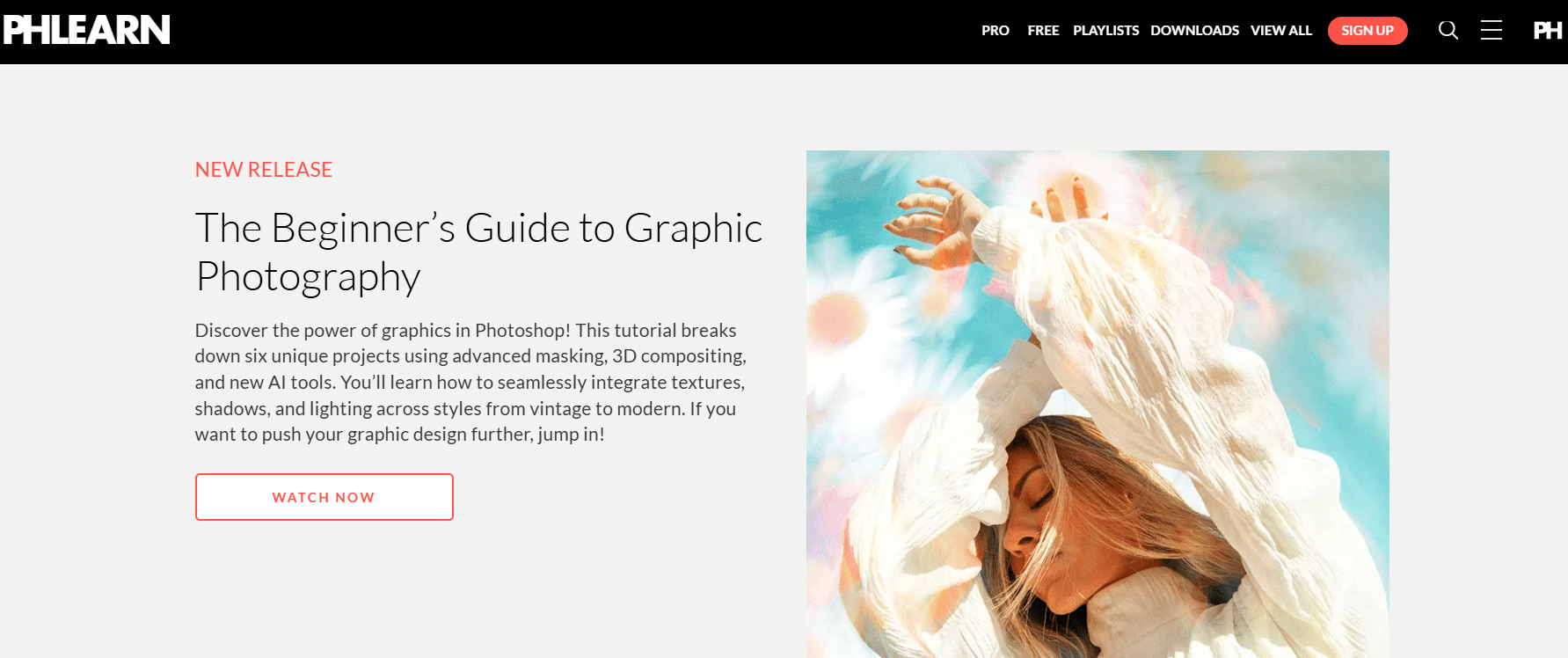
In the rapidly evolving world of digital media, mastering photo and video editing is increasingly essential for photographers, designers, content creators, and hobbyists alike. PHLEARN.com stands out as a premier online platform dedicated to teaching users how to elevate their creative skills using industry-standard software like Adobe Photoshop, Lightroom, and Premiere Pro. Whether you’re a beginner eager to learn the basics or an advanced user looking to refine specialized techniques, PHLEARN offers a comprehensive, accessible, and engaging learning experience.
What is PHLEARN.com?
PHLEARN.com is an online educational platform founded by Aaron Nace, a professional photographer and retoucher, with a mission to make photography and editing education accessible to everyone. The platform provides a vast library of video tutorials, courses, and resources designed to teach photo and video editing techniques in a clear, step-by-step manner. From learning the fundamentals of Photoshop to advanced retouching, compositing, and creative effects, PHLEARN covers a wide range of topics tailored to suit different skill levels and interests.
Key Features
- Extensive Course Library
PHLEARN offers hundreds of high-quality tutorials and courses covering everything from basic photo editing, portrait retouching, and color correction to advanced Photoshop compositing and special effects. The content is regularly updated to include the latest trends and software features. - Expert Instruction
All tutorials are created and taught by Aaron Nace and a team of experienced professionals, ensuring that the lessons are both practical and industry-relevant. The teaching style is approachable and easy to follow, making complex techniques accessible. - Project-Based Learning
Many courses are designed around real-world projects, allowing users to apply what they’ve learned to actual editing scenarios. This hands-on approach helps reinforce skills and encourages creativity. - Downloadable Resources
PHLEARN provides downloadable project files, presets, and brushes, enabling learners to practice alongside the tutorials and achieve the same results step by step. - Membership Options
PHLEARN offers several membership tiers, including free tutorials and a PRO membership that grants unlimited access to the full course library, exclusive content, and additional perks like Q&A sessions and community support. - Community and Support
PHLEARN has an active community where users can share their work, ask questions, and get feedback. The platform also offers responsive customer support to assist with any technical or course-related inquiries.
Pros
- Comprehensive Content: Covers a wide range of photo and video editing topics suitable for all skill levels.
- High-Quality Production: Professional video tutorials with clear explanations and visually engaging demonstrations.
- Affordable PRO Membership: Offers great value for serious learners who want unlimited access to all courses.
- Regular Updates: Tutorials are kept current with the latest software updates and creative techniques.
- Practical Learning: Emphasizes hands-on projects and downloadable files to enhance learning effectiveness.
- Strong Community: Interactive forums and social media groups foster collaboration and motivation.
Cons
- Subscription-Based Model: Some users may prefer one-time purchases over recurring memberships.
- Focus Mainly on Adobe Software: While Adobe products dominate the industry, users seeking tutorials on alternative software may find limited options.
- Internet Required: As an online platform, accessing content requires a stable internet connection, which may be a limitation for some users.
- Advanced Courses Can Be Challenging: Beginners might need patience and persistence to fully grasp some of the more complex lessons.
Alternatives and Competitors
While PHLEARN is a top choice for many, several other platforms also offer excellent photo and video editing education:
- Udemy
Offers a vast marketplace of courses on Photoshop, Lightroom, Premiere Pro, and more. Courses vary in quality, but many are affordable and often discounted. - LinkedIn Learning (formerly Lynda.com)
Provides professional video tutorials across various creative software with a subscription model. Great for users seeking a broad range of skills beyond just photo and video editing. - CreativeLive
Focuses on creative education with live and recorded classes taught by industry experts. Offers courses on photography, editing, and related creative disciplines. - KelbyOne
Founded by Scott Kelby, this platform specializes in photography and Photoshop training with a strong community and regular webinars. - YouTube Channels
Many creators offer free tutorials on channels like Piximperfect, Tutvid, and Peter McKinnon, though the content may lack the structured format and depth of paid platforms.
PHLEARN.com is an outstanding resource for anyone looking to improve their photo and video editing skills. Its combination of expertly crafted tutorials, practical projects, and supportive community makes it a valuable investment for creatives at all levels. While the subscription model and focus on Adobe software may not suit everyone, the quality and depth of education provided are hard to beat. For those serious about mastering digital editing, PHLEARN is definitely worth exploring.